The Importance of Periodic Maintenance for a WordPress and WooCommerce Store
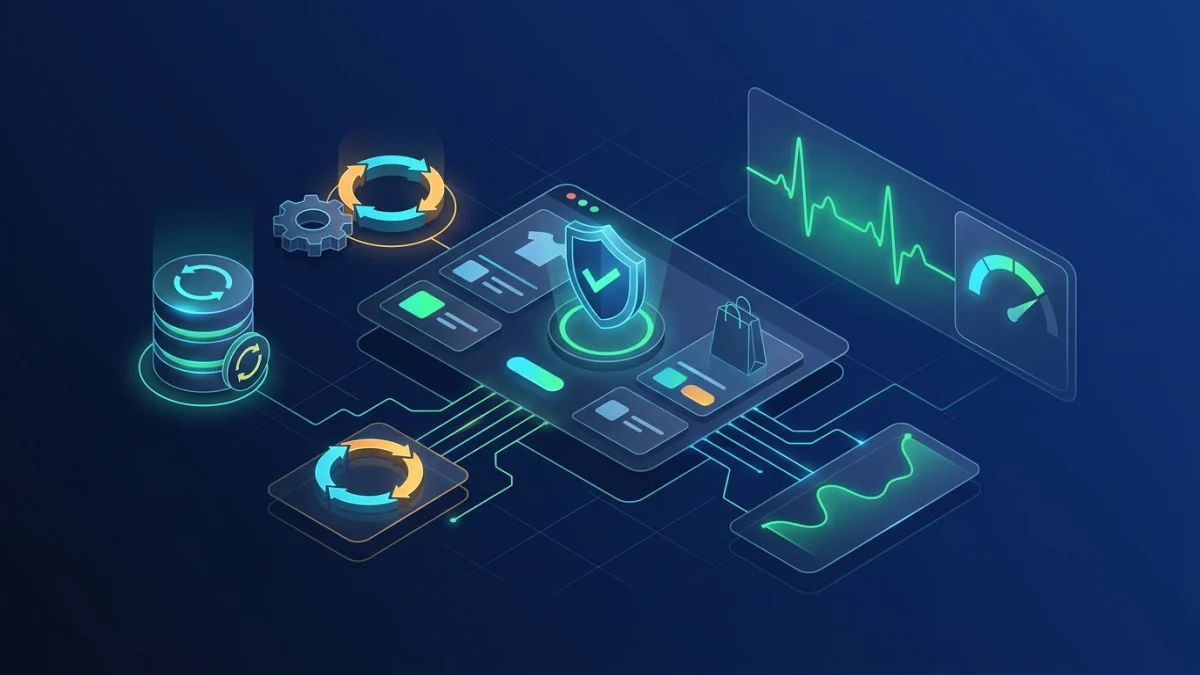
An online store built on WordPress and WooCommerce is a live transactional system: it constantly communicates with payment gateways (Stripe, Netopia, PayPal), shipping carriers, invoicing APIs, and paid acquisition campaigns on Google Ads and Meta Ads. Unlike a static presentation website, even an hour of downtime or a silent checkout error translates directly into lost orders and wasted ad spend.
1. Risks of postponing WooCommerce store maintenance
Many store owners follow the rule “if it works today, don’t touch it.” In the WordPress ecosystem, that approach quickly becomes expensive because every layer evolves continuously:
- Plugin security vulnerabilities: Most WordPress compromises do not target WordPress core, but outdated third-party plugins (forms, product filters, import connectors, or bundled theme extensions).
- Silent checkout and payment failures: Carrier API changes, expired webhook secrets, or PHP updates on the host can break shipping calculations or card payments without triggering an obvious alert.
- Database bloat and slowdowns: Expired customer sessions, transients, post revisions, and Action Scheduler logs accumulate continuously, driving up server response times (TTFB) and hurting conversion rates.
- Compounding update debt: Waiting months between updates widens the version gap between WooCommerce, your theme, and extensions, turning routine maintenance into a risky emergency upgrade.
2. Safe updates: the “Staging First” workflow
Running updates directly on live production — or leaving auto-updates enabled across every plugin without verification — is one of the top causes of broken carts and HTTP 500 errors on WooCommerce stores.
- Review changelogs and compatibility: Before any major WooCommerce or PHP update, verify declared compatibility across your theme and critical payment, shipping, and invoicing plugins.
- Test on an isolated staging clone: Apply updates on staging first and run an end-to-end smoke test: product search, attribute filters, add-to-cart, coupon codes, shipping calculation, and test checkout.
- Controlled production rollout: Deploy during low-traffic hours immediately after a verified pre-update backup, then monitor error logs closely.
3. Automated off-site backups and restore verification
A backup stored on the same server as your shop will not protect you against hardware failure, ransomware, or accidental deletion. Active WooCommerce stores should follow the 3-2-1 backup principle:
- Daily database and file snapshots: Your database holds recent orders, customer records, and stock levels, while
wp-content/uploadsstores product photography and generated documents. - Off-site cloud retention: Replicate compressed archives automatically to external storage (Google Drive, Amazon S3, or a remote backup server) with 7–30 days of rolling retention.
- Periodic restore drills: An untested backup is only an assumption — periodically verify archive integrity by restoring onto staging.
4. Active security, uptime monitoring, and checkout protection
- Web Application Firewall (WAF) & rate limiting: Block brute-force login attempts, carding bots targeting checkout, and automated form abuse at the edge or server level.
- 2FA and least-privilege access: Enforce two-factor authentication for all administrator and shop manager accounts and restrict SSH/SFTP access.
- 24/7 uptime & SSL monitoring: Run 1–5 minute health checks on storefront availability, SSL certificate validity, and background cron execution.
5. Performance, database hygiene, and Core Web Vitals
As your product catalog and order volume grow, WooCommerce requires ongoing technical hygiene to stay fast on mobile:
- Enable HPOS (High-Performance Order Storage): Moves orders out of generic
wp_posts/wp_postmetatables into dedicated WooCommerce order tables, dramatically speeding up admin searches and checkout writes. - Clean
wp_optionsautoload bloat and Action Scheduler logs: Prune expired transients, stale sessions, and completed background tasks to keep PHP memory usage lean. - Redis object caching & AVIF/WebP images: Object caching accelerates repeated catalog/filter queries, while modern responsive images keep LCP and CLS firmly in the green.
| Dimension | Without Periodic Maintenance | With Structured Preventive Maintenance |
|---|---|---|
| Updates & PHP | Delayed or applied live on production with high breakage risk | Tested on staging with full cart & checkout verification |
| Backups & Recovery | Missing or stored only on the same host | Daily automated off-site backups with rolling retention |
| Speed & Database | Gradual slowdown, high TTFB on filters and checkout | Scheduled cleanup, HPOS, caching, and stable Core Web Vitals |
| Real Business Cost | Expensive emergency fixes + lost orders | Predictable monthly cost and uninterrupted sales |
6. Recommended cadence: daily, weekly, and monthly checks
- Daily (automated): Full database + file backup replicated off-site, 24/7 uptime monitoring, PHP fatal error alerts, and SSL expiry checks.
- Weekly: Apply urgent security patches, review firewall/login logs, check the Action Scheduler queue, and verify transactional order emails are delivering properly.
- Monthly: Run full plugin/theme updates on staging with checkout testing, clean transients/revisions, audit mobile PageSpeed on category and product pages, and review server disk/RAM headroom.
Frequently asked questions
How often should a WooCommerce store be updated?
Critical security patches should be applied within 24–48 hours after backup and staging verification, while routine plugin and theme updates are best handled monthly or bi-weekly in a planned window.
Why isn’t hosting-level backup alone enough for an eCommerce store?
Host backups are a helpful fallback, but they often have limited retention or lack isolated off-site storage and tested staging restores. Active stores need automated daily off-site backups and periodic restore checks.
What is WooCommerce HPOS and why does it matter?
High-Performance Order Storage (HPOS) stores orders in dedicated WooCommerce tables instead of wp_posts/wp_postmeta, dramatically improving admin order search speed and checkout scalability as order volume grows.
Does monthly maintenance require taking the store offline?
No — when handled properly, all updates are tested on staging first and deployed during low-traffic windows in minutes without disrupting shoppers.
When does a monthly WooCommerce maintenance plan pay for itself?
As soon as your store processes regular orders or runs paid ads. A predictable monthly retainer costs far less than a single day of broken checkout or emergency malware cleanup.
Related articles
 SEO & AI Search
How AI Search Influences Your Website Visibility on Google
AI-generated search answers are changing how buyers discover businesses and compare providers. Learn how Google AI Overviews work, which signals conversational engines rely on, and how to structure your site to earn citations.
Read article Web Performance
Website Speed and Core Web Vitals: Why They Matter for Conversions
Every extra second of mobile load time increases bounce rates and drives up Google Ads acquisition costs. Learn what Core Web Vitals (LCP, INP, CLS) actually measure and which technical optimizations push PageSpeed toward 95–100.
Read article Web Design
How to Structure a Presentation Website That Generates Quote Requests
An effective business website is not a static brochure — it is a guided decision path. Explore the 7 essential sections, how to present indicative pricing, and why interactive quote forms improve lead quality.
Read article